5 Questions to Ask Before Choosing a Fleet Tracking System
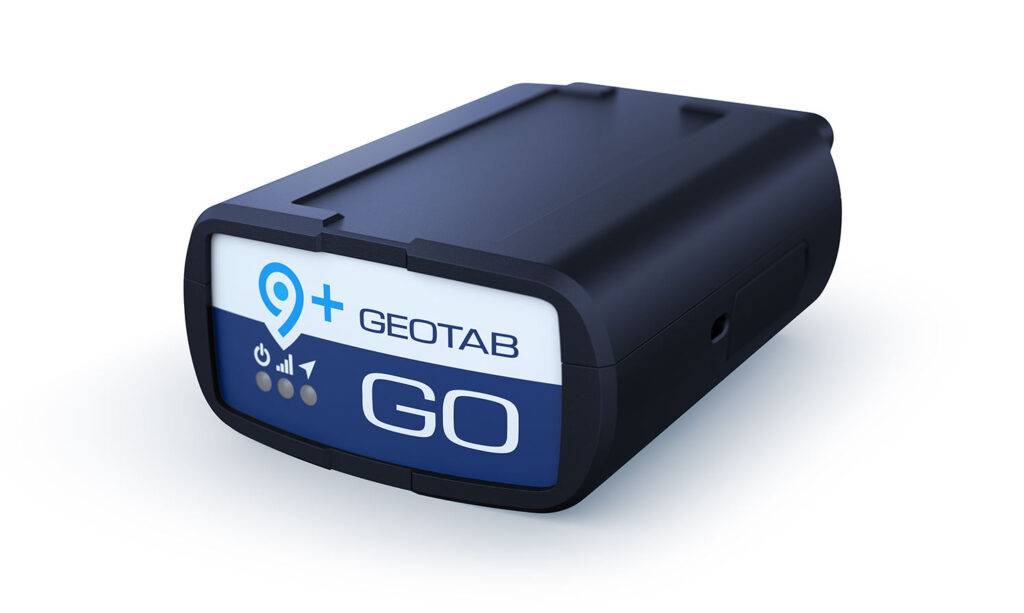
There are many fleet tracking systems on the market, and they vary in what they show, how they are installed and how well they work with other tools. Before you compare prices or features, it helps to answer a few basic questions about your own fleet.
Metro Mobile in Langley supplies fleet tracking and can help you compare options. Our fleet tracking page lists what we offer. Here are five questions to start with.
1. What do you need the data to answer?
Start with the problems you want to solve. Do you need to know where vehicles are right now? Do you want to check routes, reduce idling, support dispatch or document mileage? Each goal points to different features. A system that is perfect for dispatch may not suit a manager who mainly needs driver coaching data.
For a closer look at the kinds of data available, read what fleet GPS tracking data can tell you.
2. Will it work with the other tools you use?
Tracking often works best alongside other systems, such as dashcams or your back-office software. Ask whether the tracker pairs with the camera you plan to use. For example, Geotab GO Focus Plus is designed to work with MyGeotab telematics, which can make it easier to review tracking and footage together. Our guide to choosing a fleet dashcam covers camera options.
3. Who will see the data, and how?
Decide who needs access before you sign up. A dispatcher may need live location, a manager may need weekly reports and a safety lead may need driving event history. Check how user access is set up, and whether you can limit what each person sees. Write down who has access and review it when staff change.
4. What does installation involve for your vehicles?
Different vehicles need different installs. Light vehicles, vans and heavy trucks may each have different power sources, mounting positions and wiring needs. Ask who will do the installation, how long each vehicle will be off the road and what happens if a unit needs repair. Our installation and repairs service covers this work.
5. Who supports the system after installation?
A tracker is only useful if your team knows how to use it. Ask what training is included, who to call when something goes wrong and how software updates are handled. Good support matters more than a long feature list if your team is small or busy.
Check your obligations before you start
Tracking employees and vehicles can involve privacy and workplace rules. Those rules depend on where you operate and how you use the data. We cannot advise on legal requirements, so check with your insurer, your HR or legal advisor and the relevant authorities before you roll out a system.
Next steps
Write down your answers to the five questions, then compare two or three options against them. If you would like help, contact Metro Mobile in Langley or call (604) 888-5100. Bring your fleet size, vehicle types and the reports you need, and we will suggest what fits.