Backup Cameras for Commercial Vehicles in BC: What Fleets Should Know
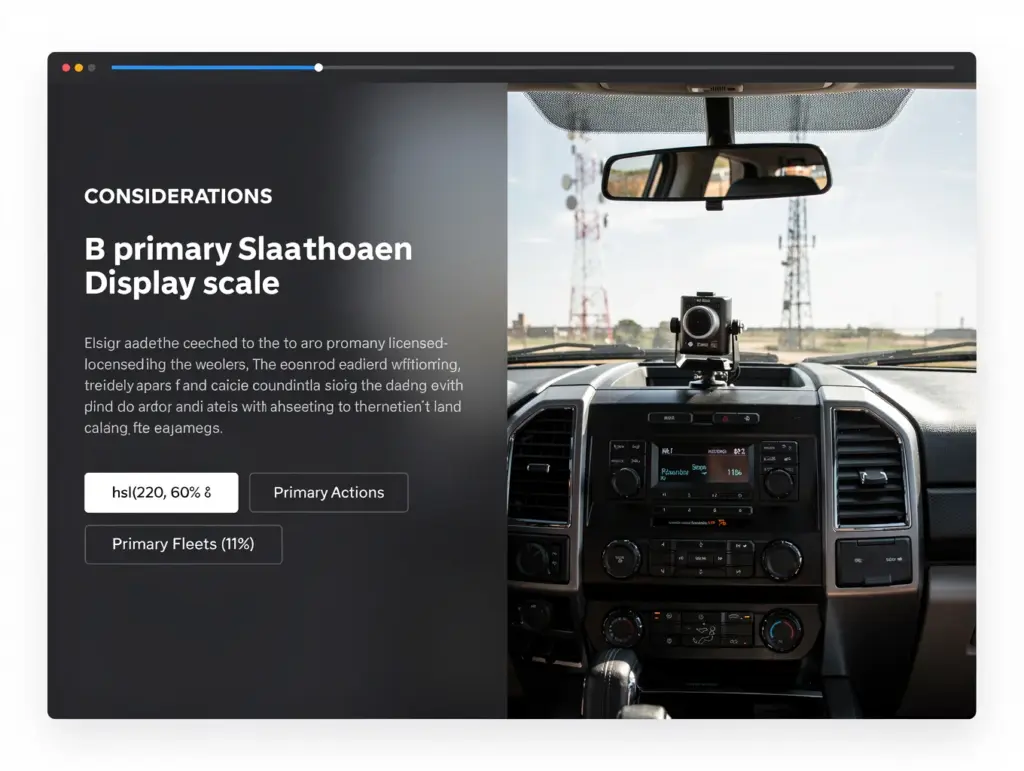
Commercial vehicles have large blind spots. A truck, van, bus or piece of equipment can hide a person, a cone or a pallet just behind the bumper or along the passenger side. For a commercial fleet operating across British Columbia, backup cameras are one of the most direct ways to give drivers a clearer view while they reverse and turn.
At Metro Mobile in Langley, we install and support camera systems for fleets across BC. This guide explains what backup cameras do, the main camera types, and how to get started. To compare products, visit our backup cameras page.
Where commercial blind spots come from
A backup camera gives the driver a live view of the area behind the vehicle on an in-cab monitor. It covers areas that mirrors cannot show, especially on tall or long vehicles where the rear is well below the driver's eye line. Many fleets also use cameras to check the sides and the corners of a body, or the area around equipment.
Blind spots matter most on:
- Box trucks and cube vans with a closed cargo area
- Cargo vans that make frequent stops in busy yards and job sites
- Buses and shuttles that operate in crowded areas
- Work trucks and equipment with a rear-mounted body or tool bed
Camera types: rear, side-view and 360°
Not every vehicle needs the same coverage. The right choice depends on where the risk is.
- Rear backup cameras show the area directly behind the vehicle. Brigade Elite and Select backup cameras are options for this job.
- Side-view cameras cover the passenger or driver side, where turning and lane changes create blind spots. Brigade's side-view eyeball camera is designed for blind-spot monitoring on trucks.
- 360° systems combine several exterior cameras with a control unit to show the vehicle's surroundings. Brigade Backeye360 systems use four cameras and a control unit.
Choosing a monitor and cable setup
The camera is only half of the system. The driver needs a clear image on a monitor they can glance at without looking away from the road. Brigade offers 7-inch in-cab monitors, including quad and split-screen models for multi-camera setups, and waterproof models for exposed locations.
Camera cables matter too. Plan the route from each camera to the monitor before ordering, so the cable length and connections suit the vehicle and its daily work.
Installation: what to plan for
A clean installation keeps the image stable and the wiring protected. Before work starts, check whether the body, trailer or equipment will move the camera angle, and whether the mounting point can be reached without weakening the vehicle structure. Our team can advise on camera placement for your vehicle type before any work begins.
How to get started
A simple path works for most fleets:
- List your vehicles and the situations where drivers struggle to see, such as reversing into a dock or working near pedestrians.
- Choose the coverage type for each vehicle group: rear, side-view or 360°.
- Pick a monitor that suits the cab and the number of camera feeds.
- Plan the installation, then agree how the system will be tested and maintained.
Cameras help drivers see more, but they do not replace safe driving habits, pre-trip checks or clear site procedures. Check your own requirements and talk to your insurer before you change any fleet policy.
Backup cameras and dashcams work together
Backup cameras show what the driver needs to see right now. A dashcam records what happens on the road or in the cab. Many fleets use both. For a side-by-side look, read backup cameras vs dashcams, and for recording units see how to choose a fleet dashcam.
Ready to see which camera setup fits your fleet? Contact Metro Mobile in Langley and we will help you plan a system for your vehicles across BC.