Backup Cameras vs Dashcams: Which Does Your Fleet Need?
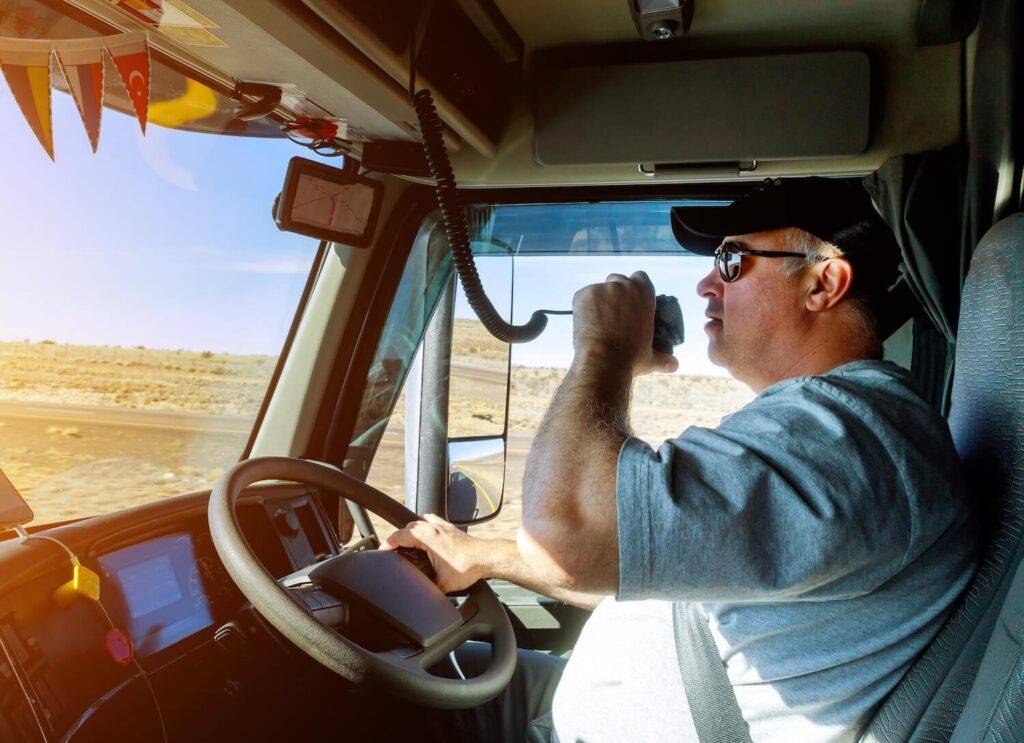
Fleet managers often ask whether they need backup cameras or dashcams. The honest answer is that they do different jobs. A backup camera helps the driver see around the vehicle as it moves. A dashcam records what happens on the road or in the cab. Many commercial fleets end up using both, but the right mix depends on the vehicles and the work they do.
At Metro Mobile in Langley, we install and support both kinds of camera systems for fleets across BC. This guide explains the difference and gives a simple way to decide.
What a backup camera does
A backup camera shows a live view of a blind spot on an in-cab monitor. The driver can see what is behind or beside the vehicle while reversing, turning or working in a tight yard. It is a visibility tool. It does not record by default, and it does not replace mirrors or careful driving.
Our backup cameras range includes rear, side-view and 360° options from Brigade, with 7-inch monitors and camera cables.
What a dashcam does
A dashcam records video from one or more lenses. A single-view unit records the road ahead. A dual-facing unit adds a driver-facing lens. AI dashcams can flag events such as forward collision risk, lane departure, driver distraction and fatigue, so a manager can review the moments that matter. Our fleet dashcams range covers these types.
Backup cameras vs dashcams at a glance
- Main job: a backup camera helps the driver see now. A dashcam records what happened.
- Where you see it: the backup camera feed shows on a monitor in the cab. Dashcam footage is reviewed later, or alerts are checked by a manager.
- Best for: backup cameras reduce blind-spot risk during manoeuvres. Dashcams support coaching, incident review and driver accountability.
When a fleet should use both
Use both when a vehicle has real blind spots and also needs a record of how it was driven. For example, a delivery van that reverses into busy loading areas may need a rear camera for the driver, and a dashcam for review. Fleet tracking can add location and time, so a manager can connect a dashcam alert with where the vehicle was. See our fleet tracking page for that side of the system.
A simple decision guide by vehicle type
Use this as a starting point, then check the details for each vehicle in your fleet:
- Box trucks and cube vans: start with a rear backup camera. Add a dashcam if drivers work on highways or in dense traffic and you want footage for review.
- Cargo and service vans: a rear or side-view camera helps in tight yards and job sites. A dashcam suits vans that drive long daily routes.
- Buses and shuttles: side-view or 360° coverage helps with pedestrians and crowded stops. A dashcam supports incident review on busy routes.
- Work trucks and equipment carriers: rear and side-view coverage is often the first priority, because the body and equipment hide the area behind the vehicle.
- Highway and long-haul vehicles: a dashcam, often AI or dual-facing, is usually the main add-on. Add a rear camera where manoeuvring is frequent.
Planning the decision
Before you choose, list the situations that cause the most concern: reversing, lane changes, driver fatigue or incidents on the road. Match each situation to the camera that addresses it, then confirm how the footage and alerts will be used. Tell drivers clearly what is recorded and who can review it.
For the rear and side coverage side of this choice, read backup cameras for commercial vehicles in BC. For the recording side, read how to choose a fleet dashcam.
Check your own requirements and talk to your insurer before you change fleet policies or rely on footage for claims. We can explain how each system works, but the rules for your fleet are yours to confirm.
Not sure where to start? Contact Metro Mobile in Langley. We will look at your vehicles and help you choose the right mix of cameras across BC.