BC Bill M217: The Dashboard Cameras in Commercial Vehicles Act Explained
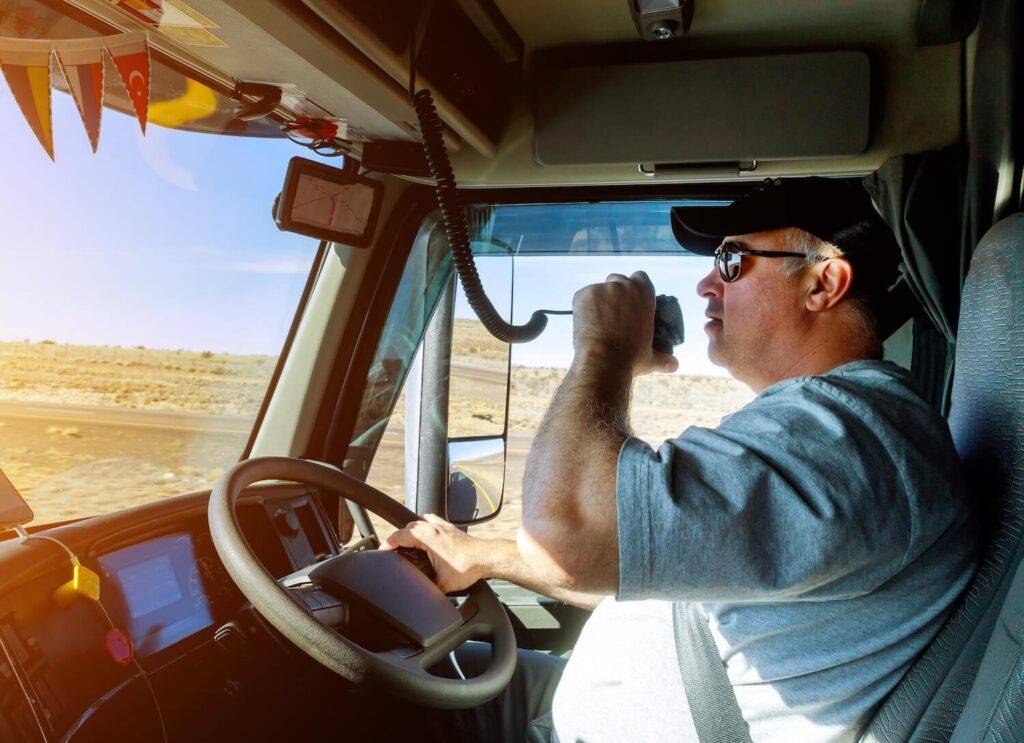
British Columbia has passed a law that will make dashcams mandatory on heavy commercial vehicles. Bill M217, the Dashboard Cameras in Commercial Vehicles Act, makes BC the first province in Canada to require them. This guide explains what the Act says, which vehicles it covers, what the camera must do, what is still undecided, and how a fleet can prepare. It is general information, not legal advice.
What is Bill M217?
Bill M217 is a private member's bill introduced by Kamloops–North Thompson MLA Ward Stamer, following a number of serious collisions on Highway 5. Its aim is a consistent record of the road ahead, so that investigators and the people involved have reliable evidence after a crash. The bill passed third reading in the BC Legislature on May 25, 2026, with unanimous, all-party support. It received Royal Assent on May 28, 2026, and became the Dashboard Cameras in Commercial Vehicles Act.
Timeline
- May 25, 2026: the bill passed third reading.
- May 28, 2026: Royal Assent. The bill became law, but its main sections are not yet in force.
- Still to come: a date set by regulation of the Lieutenant Governor in Council, plus any supporting regulations.
Is it in force yet?
Not yet. The Act's requirements start on a date set by regulation. Some industry articles describe a six-month countdown from Royal Assent, but the Act itself leaves the start date to regulation, so no compliance date has been fixed. Fleets should watch official BC government announcements for the confirmed date.
Which vehicles are covered?
The Act applies to commercial vehicles with a gross vehicle weight rating (GVWR) above 11,793 kg (about 26,000 lb). GVWR is the maximum operating weight set for the vehicle, and it is shown on the vehicle's certification label. Light-duty pickups and passenger vehicles are below this threshold. Several industry guides read the Act as applying to qualifying vehicles operating on BC highways, including vehicles registered outside the province. If you run trucks into or through BC, confirm how it applies to you. An earlier draft used a lower weight figure, so ignore older references to it.
What must the dashcam do?
The Act sets these requirements for the camera:
- Record continuously whenever the vehicle is operating.
- Capture the road ahead through the front windscreen.
- Record high-definition video at a minimum of 1080p.
- Have night-vision capability.
- Retain at least 72 hours of recordings.
- Record at the manufacturer's default settings, so you cannot lower quality to save storage.
- Store recordings locally on the device.
- Stay active and unobstructed while the vehicle is operating.
A driver-facing camera is not required. Privacy concerns about in-cab cameras were part of the discussion, and the requirement is based on recording the road ahead.
Who is responsible?
- Owners must install and maintain the dashboard camera.
- Lessees take on that duty when the vehicle is leased, so check your lease terms.
- Drivers must make sure the camera is recording and is not obstructed while the vehicle is operating.
Privacy and footage handling
Recordings must be collected, used, disclosed, retained and destroyed in line with applicable privacy and security requirements, including BC's Personal Information Protection Act. Decide who may access footage, how requests are handled, how long clips are kept beyond the required 72 hours, and how they are deleted. Tell drivers about the policy in writing.
What is still unknown?
- The date the requirements come into force.
- Supporting regulations, including technical details and any exemptions.
- How the rules will be enforced. Specific fines have not been published in the sources we reviewed.
- How the rules will apply in practice to vehicles based outside BC.
The BC Trucking Association has said it would prefer a national rule to avoid a patchwork across Canada, so further changes are possible.
How to prepare your fleet
- List every vehicle and check its GVWR against 11,793 kg.
- Review any dashcams you already run: resolution, night vision, storage and settings.
- Confirm the camera has a clear view of the road through the windscreen.
- Check that the storage holds at least 72 hours at the manufacturer's default settings.
- Plan installation, inspection and maintenance, and who is responsible for each.
- Write your footage-access, retention and deletion procedures.
- Brief drivers on keeping the camera on and unobstructed.
- Watch for the official start date and any supporting regulations before you finalize purchases.
Choosing a dashcam for Bill M217
The Act only requires a forward-facing camera, but many fleets choose a unit that can do more. Single-lens units record the road ahead. Dual-facing units add a driver-facing lens, and AI dashcams can flag events such as forward collision risk and lane departure. Whatever you choose, check the exact model, storage setup and installation against the Act's requirements. Do not assume a product meets them without confirming it with the manufacturer or supplier.
Browse the units we offer on our fleet dashcams page. Rear and side coverage is a separate need, covered on our backup cameras page. For more help choosing, read How to Choose a Fleet Dashcam and Backup Cameras vs Dashcams.
Frequently asked questions
Is Bill M217 law in British Columbia?
Yes, it received Royal Assent on May 28, 2026. Its requirements are not yet in force and will start on a date set by regulation.
Does it apply to pickups and vans?
No. It applies to commercial vehicles with a GVWR above 11,793 kg. Check each vehicle's stated GVWR.
Do I need a driver-facing camera?
No. The requirement is for a camera recording the road ahead through the front windscreen. A dual-facing unit is optional.
Can I use my existing dashcam?
Possibly, if it records continuously at 1080p or better, has night vision, keeps at least 72 hours on local storage at default settings and has a clear forward view. Check it against the requirements above.
Who pays for and maintains the camera?
The vehicle owner, or the lessee if the vehicle is leased.
What are the fines?
Specific penalties had not been published in the sources we reviewed. Check official BC announcements.
Where to read more
- Bill M217 official text (BC Laws)
- Brigade Electronics: Bill M217 overview
- Geotab: B.C.'s new dash cam law
- Element Fleet: Is your fleet ready?
- CameraMatics: BC M217 requirements
- ZenduIT: Is your fleet ready?
Need help choosing and installing dashcams for your fleet? Contact Metro Mobile in Langley and we will review your vehicles with you.