Fleet Camera Installation: What to Plan Before Vehicles Come In
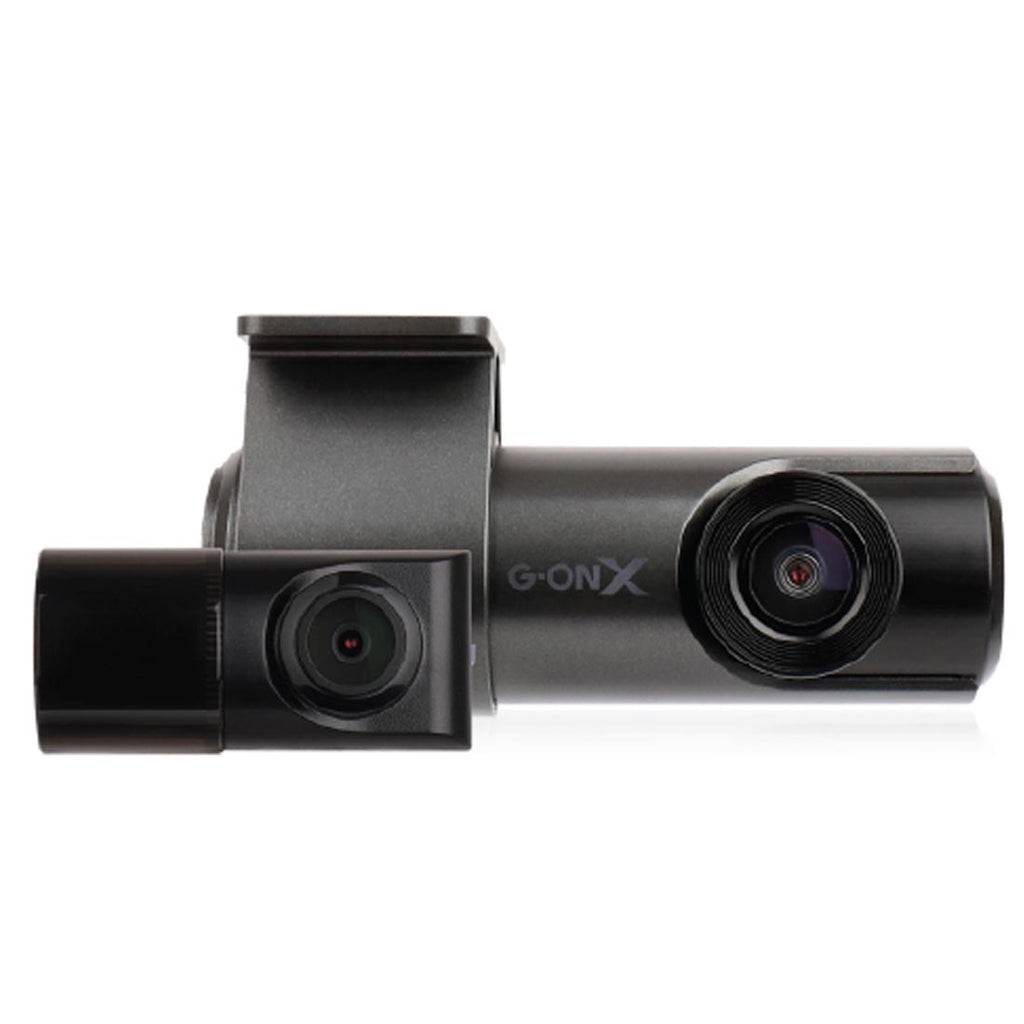
Installing cameras across a fleet is easier when the planning is done first. A good plan means fewer surprises on install day, less downtime for each vehicle and footage you can actually use. It also gives drivers time to understand what is going into their cab.
Metro Mobile in Langley installs and supports fleet camera systems across BC. Our installation and repairs service covers the work, and this checklist covers what to plan on your side.
Start with a vehicle list
Make a simple list of every vehicle that needs a camera. For each one, note the type, the make and model, and whether it is a light vehicle, a van or a heavy truck. Note any vehicles with unusual layouts, such as those with limited windshield space or extra equipment mounted in the cab.
Then decide which camera type each vehicle needs. Our guide on how to choose a fleet dashcam covers single-view, dual-facing and AI options. For rear visibility, see backup cameras for commercial vehicles in BC.
Check mounting and wiring
- Mounting position: confirm where the camera will sit on the windshield or body, and that it will not block the driver's view.
- Power source: identify how the unit will be powered and whether the vehicle's electrical system needs any checks.
- Cable routing: plan where wires will run, and that they will be hidden and protected from heat, moisture and wear.
- Modules: if a unit needs GPS or Wi-Fi modules, such as the optional modules for GNET G-ONX, plan where they will go.
Plan downtime and scheduling
Every vehicle taken off the road for an install is a cost. Stagger installs so that the fleet keeps running, and book vehicles that are less busy first. Let drivers and dispatchers know the schedule in advance, and agree on a process if a vehicle needs more time than expected.
Brief your drivers
Drivers should hear about the cameras before the install, not on the day. Explain what each camera records, why it is there and how footage will be reviewed. Give them a written policy they can read and keep. Our article on how dashcam footage supports driver coaching covers how footage can be used fairly.
Test before the vehicle leaves
- Check the view on each camera, including the driver-facing lens if the unit has one.
- Confirm that footage is recording and can be retrieved.
- Check any alerts or pairing with your tracking platform. For Geotab GO Focus Plus, that means confirming it works with MyGeotab telematics.
- Record the vehicle, the unit serial and the install date for your records.
Confirm the rules first
Rules on recording inside vehicles, notice to drivers and retention of footage can vary. We cannot advise on legal obligations. Before the install, confirm your requirements with your insurer, your workplace advisor and the relevant authorities.
Ready to plan a fleet install? Contact Metro Mobile in Langley or call (604) 888-5100. Send us your vehicle list and we will help you put a plan together.